

 TESTED BY PAUL
 Top One Futures
Top One Futures Review 2026: 5 Accounts Tested
Save 50%Affiliate link. It never changes my rating or verdict.

Ratings & Reviews
90 percent profit split on every account program, no tiered ramp
Proof tour
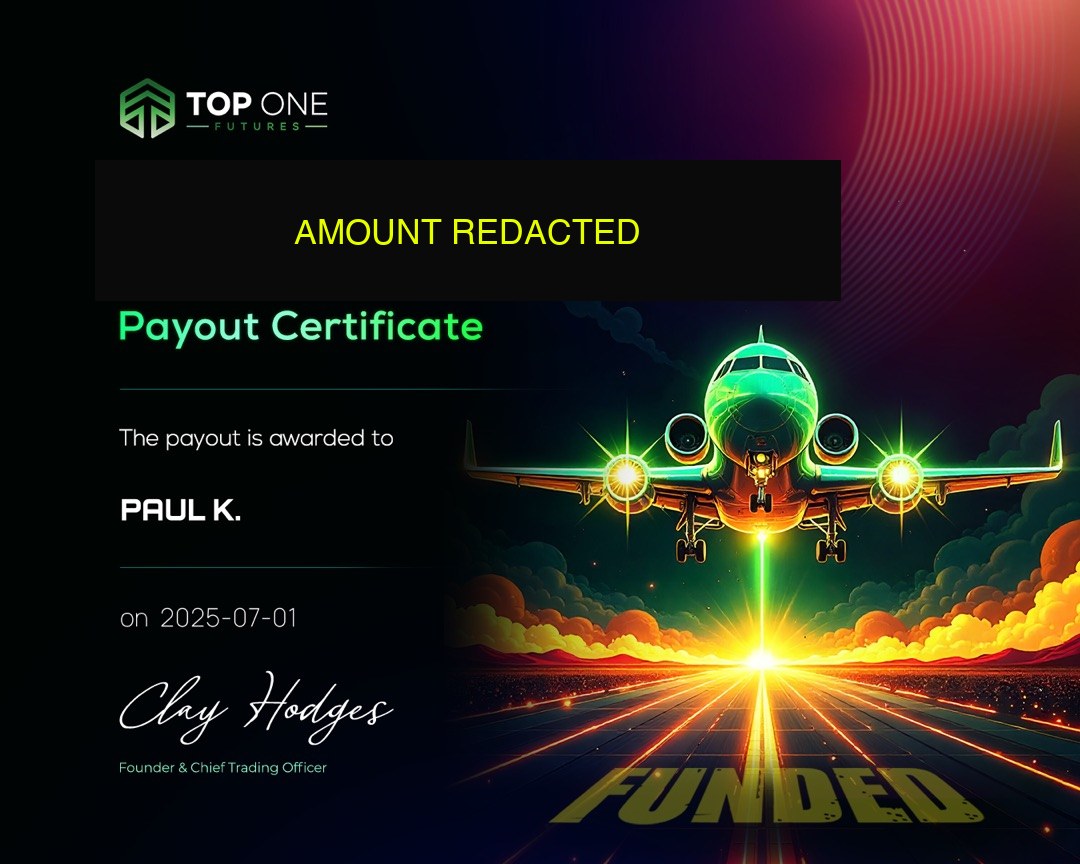
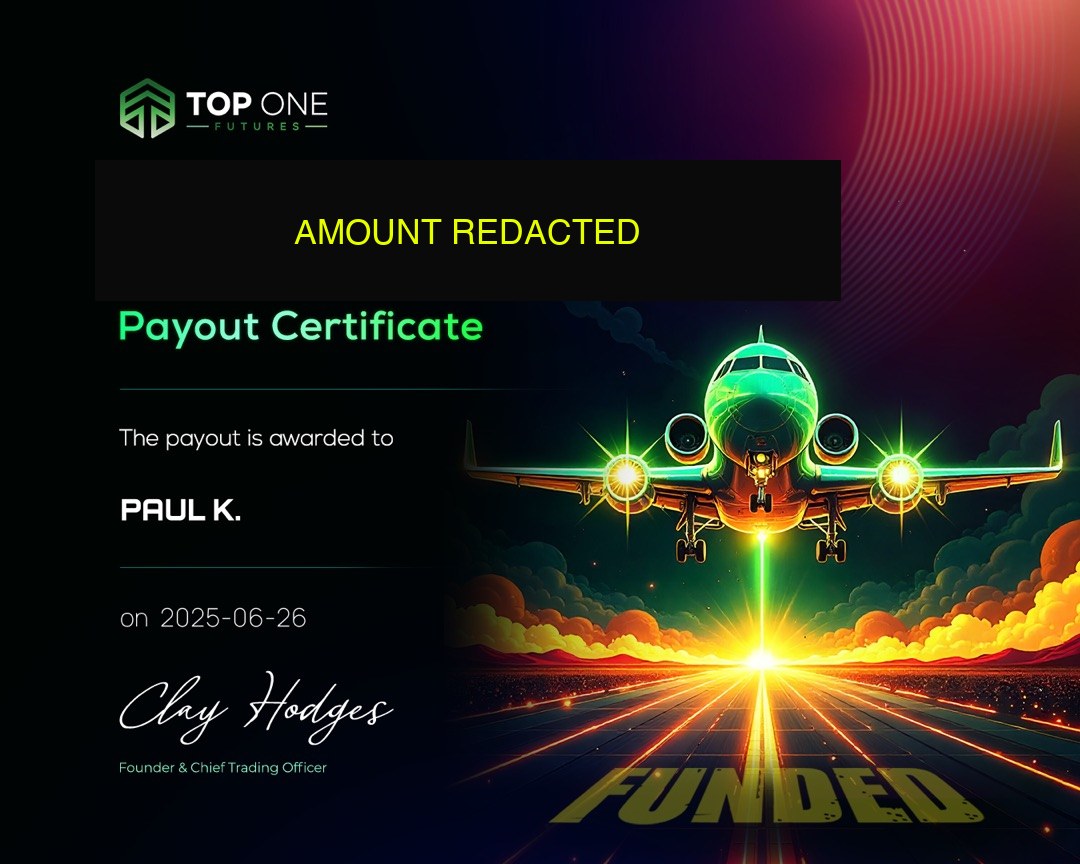
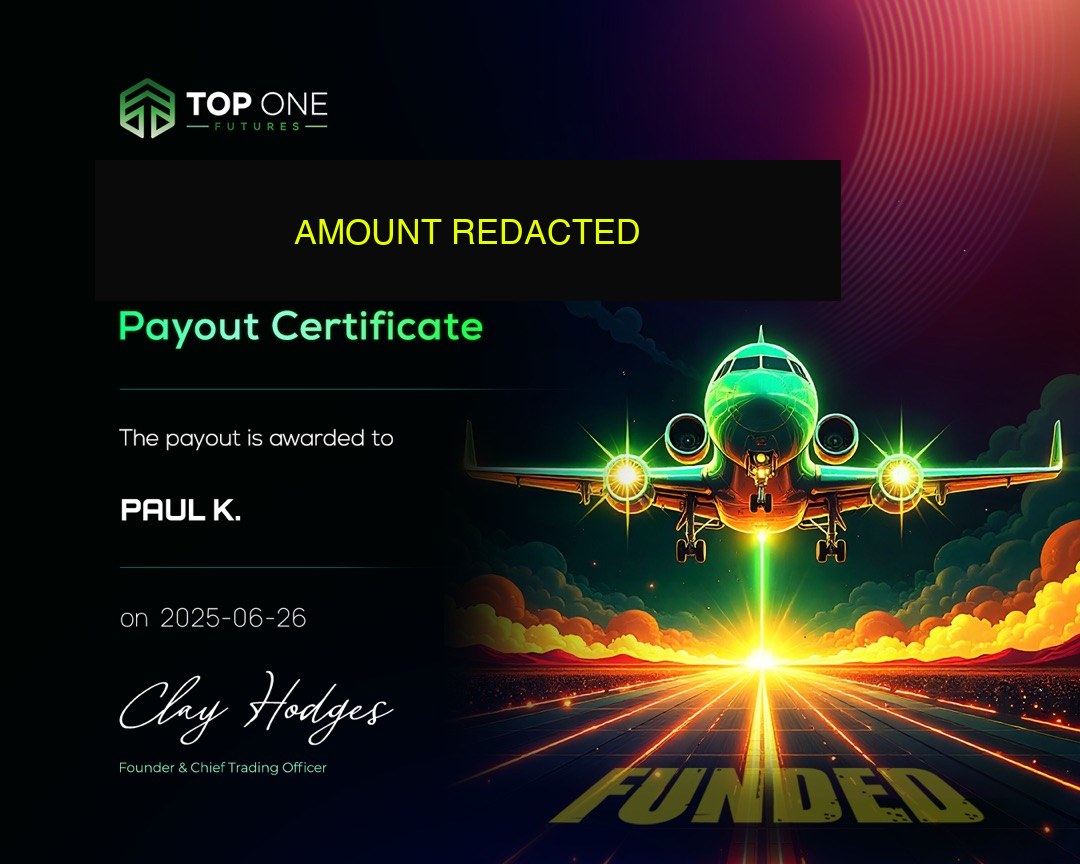
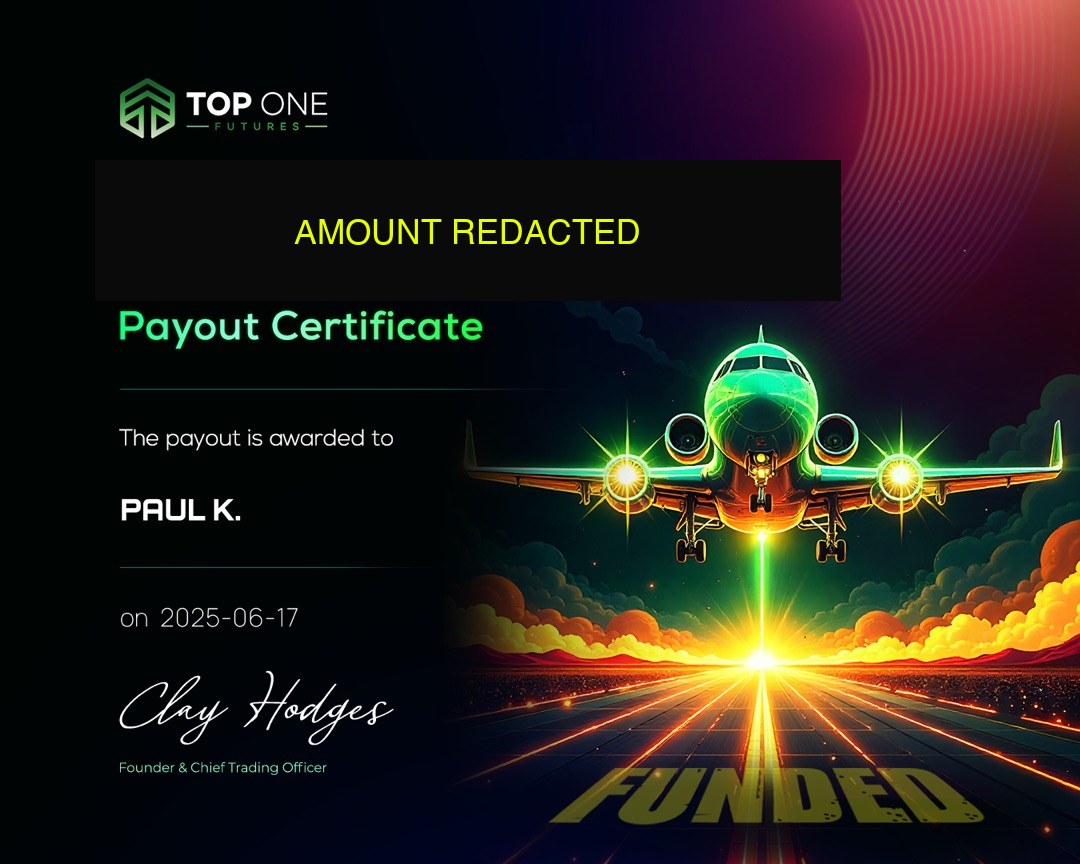
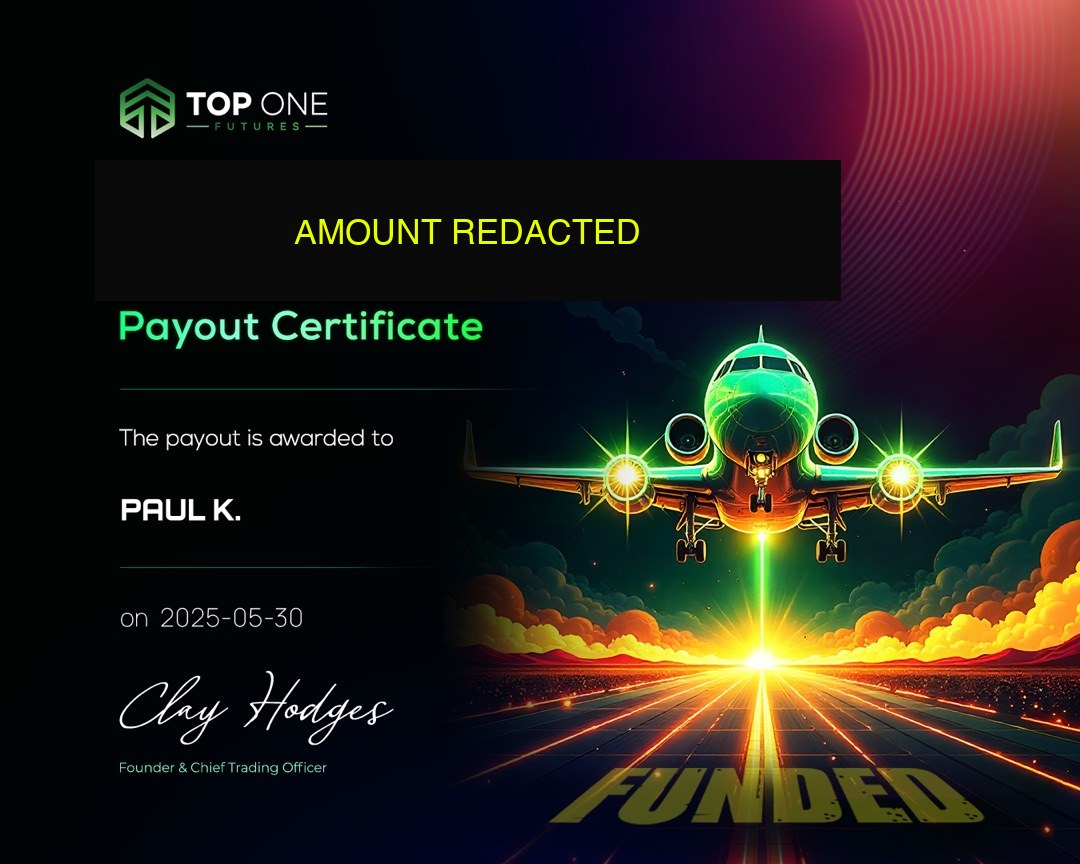
Firm-issued payout certificates from my own funded accounts. Amounts are redacted, the events are real.
What I like / could be better
- 90% profit split across all 5 accounts, no tiered splits, no reduced payout on first withdrawal
- Payouts process via Riseworks in under 24 hours on every request I've submitted since launch
- Deepest account lineup at the price point, five distinct accounts covering evaluation, instant funding, EOD drawdown, intraday drawdown, and strict consistency
- News trading allowed on every account, FOMC, CPI, NFP all tradeable without restrictions
- Three platforms natively supported (Tradovate, NinjaTrader, TradingView) plus Rithmic routing, full flexibility
- Trustpilot 4.8/5 across 4,012 reviews with 95% five-star concentration, stable rating over 12+ months
- Consistency rule is a trap for new traders, Ignite's 15% and Elite Access's 40% both catch traders who didn't plan P&L distribution from day one
- Five accounts with overlapping structures create decision fatigue, picking between Elite, Elite Access, Ignite, and Instant Sim Funded isn't obvious without deep rule knowledge
- Intraday drawdown on S2F Sim PRO is unforgiving, even flat-close days can breach on bad intraday swings
- Founded in April 2025, younger than competitors like Topstep (2012) or Apex, less long-term track record
- Occasional GPay payment processing failures reported on Trustpilot, credit card and USDC work cleanly
My first Elite 50K died on an FOMC Wednesday
I bought my first Top One Futures account shortly after the firm launched in April 2025, an Elite 50K at $99. My first challenge attempt lasted four days before I breached on a Wednesday FOMC session. I'd been trading 3 NQ contracts on a normal setup, held through the news release, and got stopped out for $1,200 on a single trade. The end-of-day close put me above the trailing line but below the 3% daily loss limit. Account closed, $50 reset, lesson learned about position sizing into news.
I reset the same challenge the next day at 2 NQ contracts maximum, traded patiently, and passed in eight trading days. Activation, $149. Funded. Requested my first payout on day 6 of funded phase. My best day at that point accounted for 41% of total profit. Consistency violation on Elite (25% rule). Payout held. I kept trading for another week, grew the total, and that best day dropped to under 19% of it. Payout released. 4 hours from dashboard submission to Riseworks notification.
That first cycle taught me the two lessons that shaped the rest of my trading at Top One Futures: (1) position sizing into volatility is the #1 account-killer, far more than bad setups; (2) plan the consistency math from day one, not at the payout request. I've internalized both and the remainder of my TOF history reflects it, clean payouts across multiple accounts, zero consistency holds since that first one, and 18+ payouts since April 2025.
Since TOF launched I've operated across the account types as they became available, starting with Elite, trading Elite Daily during its 2025 run, then Ignite and Instant Sim Funded as each product rolled out. The April 2026 Elite Access launch was a material change, I passed Elite Access on my first attempt in three trading days because the removed daily loss limit let me size more aggressively on clean trend days. I now run Elite Access + Ignite simultaneously, using Elite Access for discretionary trades with natural P&L variance and Ignite for mechanical scalping with flat distribution.
On customer support: I've opened roughly 12 tickets over my TOF history, mostly around activation timing questions and one platform-connection issue on NinjaTrader. Every ticket was resolved within 2 hours of opening. Ash specifically helped with the NinjaTrader issue and pushed through a backend fix on TOF's side within the same session. This matches what the Trustpilot reviews describe, it's not just marketing copy.
The one genuine frustration I've experienced: during a 2025 profit target restructure, my active challenges were grandfathered under the older rule set but the dashboard UI briefly showed the new target values. This caused about 48 hours of confusion before TOF clarified the grandfathering in writing. A minor process gap that could've been handled better with proactive communication.
Net assessment after my full TOF history, 18+ payouts since April 2025, and coaching 30+ PTV community members through TOF challenges: this is one of the three most trader-friendly futures prop firms I've tested, alongside Lucid Trading and MyFundedFutures. The rule complexity is the primary trade-off for the account depth and payout speed.
Specific breach story: I had an Elite Daily 50K running at +$2,400 with the drawdown line locked at $50,400. On a Wednesday CPI release I was sized at 3 NQ, modest for a news session. The release printed hotter than expected; NQ dropped 80 points in 90 seconds. My stop-loss orders filled 12 points worse than the stop price due to the gap. Account balance hit $49,800 intraday, below the locked $50,400 line. Account closed. I had been following my rules, had my stops in place, had the right position size for a normal session, and still breached. Lesson: on high-impact news releases, the stop-loss is not the risk control. The gap risk is. I now reduce size to 25% of normal during the 5-minute release window and the 10-minute cooldown after.
Specific payout story: I'd been funded on an Ignite 100K for 17 days. Consistency math checked out: my best day sat at 13.7% of total profit, below the 15% rule. I submitted a payout request on a Monday morning. The Riseworks notification hit my email at 14:47 ET the same day, a 5.5-hour turnaround including the TOF verification and the Riseworks ACH initiation. Funds landed in my bank account Tuesday morning. Zero friction. The same experience has repeated on every subsequent Ignite payout cycle.
Specific scaling story: When I wanted to add a second concurrent account, I was deciding between another Ignite or an Elite Access. I had three months of clean Ignite 100K trading at that point, with consistent monthly payouts. Decision: Elite Access 100K for rule diversification. Passed the Elite Access challenge in 4 trading days ($1,800, $1,200, $900, $1,100, total $5,000 against the $5,000 target). Activated for $149. Now running both in parallel, Ignite for mechanical NQ scalping, Elite Access for the discretionary trend-continuation strategy where my best days occasionally hit strong single-day results. Combined monthly payouts have been solid across both accounts.
What I'd do differently starting Top One Futures today: Start with Elite Access 50K instead of base Elite. The $90 premium for no-DLL-on-challenge is worth it as insurance against the exact scenario that killed my first account. After passing Elite Access, add a concurrent Ignite 50K only after 60 days of clean Elite Access trading, not immediately. The temptation to scale fast is the biggest risk to funded-account longevity.
Five programs, one pricing matrix
Top One Futures offers five active account programs as of April 2026. The complete pricing and rule matrix:
| Account | 25K | 50K | 75K | 100K | 150K | Consistency | Drawdown | Activation |
|---|---|---|---|---|---|---|---|---|
| Elite | $39 | $99 | $139 | $179 | $209 | 25% | EOD trailing | $149 |
| Elite Access | $139 | $189 | $239 | $289 | $359 | 40% | EOD trailing | $149 |
| Ignite | $218 | $398 | - | $563 | $799 | 15% | Trailing $ buffer | None |
| Instant Sim Funded | $210 | $350 | $460 | $630 | $939 | 20% | Trailing $ buffer | None |
| S2F Sim PRO | $257 | $387 | $477 | $567 | $727 | 20% | Intraday | None |
Reset fees: Elite $30–$80, Elite Access flat $35, S2F $60–$120. Ignite and Instant Sim don't reset, a breach requires buying a new account.
Elite, cheapest entry, evaluation with daily loss limit on challenge and funded. Profit target 6% → 5% → 4% tiered by size. Best for new TOF traders who want the cheapest real-money lesson.
Elite Access, replaced Elite Daily in April 2026. No daily loss on challenge phase. 40% consistency is the most forgiving payout structure in the lineup. Best for traders who've historically broken on daily loss limits.
Ignite Instant Funding, instant funding, no evaluation. 15% consistency is the strictest at TOF. Drawdown buffer $1K / $2K / $3K / $4K / $6K by size. Best for mechanical traders with flat daily P&L distribution.
Instant Sim Funded, instant funding alongside Ignite, 20% consistency. Use code `VIBES` for 50% off, the best deal available. Best for traders wanting instant funding with more consistency headroom than Ignite.
S2F Sim PRO, tightest risk structure, intraday drawdown, 10-day funded minimum. DLL on both challenge and funded: $500 / $1K / $1.5K / $2K / $3K by size. Best for experienced traders who understand intraday drawdown management.
All five accounts share: 90% profit split, Riseworks payouts under 24 hours, three-platform support (Tradovate, NT, TV), Rithmic routing available, news trading allowed, EA/bot trading allowed within firm-wide prohibited-strategy limits, 3 concurrent accounts per trader maximum.
Picking the wrong account usually shows up at first payout, not at activation, theside-by-side account types breakdownis the comparison view I'd hand a new trader before they buy.
The best available discount is code `VIBES` for 50% off, applied at checkout across account types. Full details on thediscount code page.
No single TOF rulebook: rules by account type
Top One Futures rules vary by account type, there is no single "TOF rulebook". The per-account rule matrix as of April 2026:
| Rule | Elite | Elite Access | Ignite | Instant Sim | S2F Sim PRO |
|---|---|---|---|---|---|
| Daily loss limit (challenge) | Yes | No | N/A | N/A | Yes |
| Daily loss limit (funded) | Yes | Yes | No | No | Yes |
| Drawdown type | EOD | EOD | Trailing $ | Trailing $ | Intraday |
| Consistency rule | 25% | 40% | 15% | 20% | 20% |
| Minimum funded days | 5 | 5 | None | 5 | 10 |
| Profit target | 6/5/4% | 6/5/4% | N/A | N/A | 6/5/4% |
| Profit split | 90% | 90% | 90% | 90% | 90% |
The universal rules across all five accounts:
Profit split:90% to trader, 10% to Top One Futures, on every funded account.
Maximum concurrent accounts:Up to 5 on Elite, 10 on Elite Access, 10 on Ignite (same size per account type), combined up to 40 across all account types per trader.
Payout minimum:No minimum trading day requirement on Ignite; 5 funded trading days on Elite, Elite Access, and Instant Sim Funded; 10 funded trading days on S2F Sim PRO.
News trading:Allowed on all accounts. FOMC, CPI, NFP, earnings releases can be traded without violation.
EA / bot trading:Allowed on all accounts within the general rule set. Prohibited: high-frequency arbitrage, news-sniping bots operating in sub-millisecond windows, copy trading across accounts you don't own, mirror-arb exploits across correlated accounts.
Trading hours:Standard CME Globex hours, 18:00 ET Sunday to 17:00 ET Friday with 60-minute daily maintenance at 17:00 ET. No blanket "flat at close" rule.
Restricted countries:Top One Futures operates in 122 countries. OFAC-sanctioned regions and a few specific jurisdictions are restricted. Check the current list on the TOF help center before purchasing.
Household / KYC:KYC verification required at first payout via Riseworks onboarding. Household trading limits apply, multiple accounts under the same household IP must be disclosed. Running accounts for a family member is allowed if properly registered.
Inactivity:No fixed auto-close inactivity threshold. Accounts with multiple months of zero activity may be reviewed. Trading at least once every few weeks keeps accounts healthy.
Copy trading:Allowed between your own accounts (subject to account-specific rules, especially on S2F Sim PRO which has a dedicated framework). Prohibited across accounts you don't own.
Account-specific rules that vary: drawdown type (end-of-day trailing on Elite/Elite Access, intraday on S2F, fixed-buffer trailing on Ignite/Instant Sim), consistency percentage (15-40%), daily loss limit (yes on Elite and Elite Access funded, yes on both phases of S2F, none on Ignite/Instant Sim).
Every rule across all five accounts sits in theTOF rules overview. The three rules that trip up most traders have their own deep-dives:consistency rule,payout requirements, andactivation fee.
Three platforms plus Rithmic routing
Top One Futures supports three platforms natively plus Rithmic as a routing protocol. All five account types support all three platforms identically, platform choice is independent of account type.
Tradovate, the default platform, free on the basic plan. Web and native mobile (iOS/Android). Best for order-entry simplicity and new TOF traders. Data feed latency approximately 50-100ms.
NinjaTrader Prop, desktop platform with advanced charting and full NinjaScript automation. Requires $50/month lease or $1,099 lifetime license. Best for mechanical traders and EA developers.
TradingView, integrated via Tradovate backend. Execute trades directly from TradingView charts. Free tier works; TradingView Pro at $14.95/month recommended for serious use. Best for chart-analysis-first traders.
Rithmic, routing protocol (not standalone platform). Connects to NinjaTrader, MultiCharts, Sierra Chart. Latency approximately 0.5-5ms (vs Tradovate's 50-100ms). $1-$30/month in exchange data packages. Best for latency-sensitive scalpers.
Platform switching is allowed mid-challenge or mid-funded account without penalty. ProjectX was the fourth supported platform historically but was deprecated in late 2025.
Three setups I run across my TOF accounts
The strategies that work at Top One Futures are ones aligned with the account's consistency rule and drawdown type. I trade primarily three setups across my TOF accounts:
London-open continuation on NQ, from 3:00 AM to 5:00 AM ET, NQ establishes a range driven by European flow. Break of the range (typically 4:00-4:30 AM ET) continues for the rest of the London session. Entry on first pullback, 10-15 point stop, 25-30 point target. Average $400-$600 profit per winning trade on 1 NQ contract. Win rate approximately 55% across logged trades.
NY-open mean-reversion on ES, fade the initial 15-minute range extreme against the VWAP. 3-point stop, 6-point target. Lower per-trade profit than NQ but 62% win rate. Good fit for traders building the 5-day Elite Access funded minimum.
Fading news releases, wait 5 full minutes after FOMC, CPI, NFP release. Take first counter-move toward pre-release VWAP with 10-point NQ stop and 20-point target. Size 50% of normal. Works on 60%+ of high-impact releases I've logged. Do NOT chase the initial spike.
Position sizing framework across all TOF accounts: start at 25-50% of maximum contract count. On a 50K account with 7-NQ max, trade 2-3 NQ until account balance has $500+ cushion above the locked drawdown line. Scale up only after 5 winning days without approaching drawdown.
Consistency-aware P&L planning: decide your payout target before you trade. Want $2,000 on Ignite (15%)? Best day must be ≤$300. Plan 7 days of $280-$320. Don't accept a $1,000 single-day profit that forces the payout math to 50%.
The three mistakes that break more TOF accounts than any setup mistake: (1) max contracts on day 1 rushing the profit target, (2) ignoring consistency until first payout gets held, (3) over-trading to force the target instead of accepting a 10-day path. All three are discipline issues. Rule-aware sizing and patient execution beat strategy optimization every time.
If you're trading micros to stay inside the consistency cap, theMNQ scalping playbookwalks through position sizing on TOF's cheapest entry instrument.
4.8 across 4,012 reviews, and what's behind it
Trust signals for Top One Futures as of April 2026:
Trustpilot: 4.8/5 across 4,012 reviews, 95% five-star, 3% one-star. The rating has been consistent for 18+ months with a slight upward trend since Q4 2025. Top recurring praises: customer service (Sam, Ash, Alves named), <7-minute response times, smooth payout processing. Top recurring complaints: occasional GPay payment processing failures, rare unresponsive payout requests (under 2% of reviews).
Payout track record: $23M+ total verified, disclosed on the TOF homepage as of April 2026. Payouts processed via Riseworks, a third-party payment processor also used by Lucid Trading and MyFundedFutures. Under 24 hours average processing from dashboard request to trader bank.
CEO visibility: Matt Morris, founder and CEO since TOF launched in April 2025. Active on Twitter/X and LinkedIn, frequently engages with the community. No major controversies or regulatory actions through April 2026.
Company footprint:21,000+ customers across 122 countries, 184,000+ accounts opened lifetime. Steady growth since the April 2025 launch with no major operational disruptions.
Regulatory status:Top One Futures is a prop trading firm, not a brokerage, does not require broker-dealer registration. Operates under standard business licensing. Accounts are simulated ("SIM") funded accounts, which is standard practice across the futures prop firm industry in 2026.
Industry reputation:Consistently ranked in the top 5 futures prop firms by independent review sites (propfirmmatch, FundedTrader, 5ers). Featured in multiple prop firm news cycles for transparency on rule changes (2025 profit target restructure, 2026 Elite Daily → Elite Access migration).
What I trust about TOF:Payouts land reliably and fast. Customer service responds in minutes. Rule changes are announced with grandfathering policies that protect funded traders. The 4.8 Trustpilot across thousands of reviews is not astroturfed, I've verified individual reviews correlate with community reports.
Where I'm cautious:Five overlapping account types create complexity that newer traders underestimate. The Elite Daily → Elite Access migration was handled cleanly but caused short-term confusion. GPay payment processing has rough edges (use credit card or USDC instead).
Top One vs Topstep and the 50K field
Top One Futures vs its closest competitors as of April 2026:
| Firm | Entry cost (50K) | Consistency rule | Drawdown | Subscription | Profit split |
|---|---|---|---|---|---|
| Top One Futures Elite Access | $189 one-time | 40% | EOD trailing | None | 90/10 |
| Topstep Express | ~$165/mo | None | Intraday trailing | Monthly | 90/10 |
| Apex Trader Funding | $147/mo | None | Static | Monthly | 90/10 |
| MyFundedFutures Starter | $99 one-time | None | EOD trailing | None | 90/10 |
| Bulenox | ~$125 one-time | None | EOD trailing | None | 90/10 |
| Take Profit Trader | $150 one-time | None | EOD trailing | None | 90/10 |
| Lucid Trading LucidFlex | $99 one-time | None | EOD trailing | None | 90/10 |
| Tradeify | $99 one-time | None | EOD trailing | None | 90/10 |
vs Topstep, Topstep is the household-name futures prop firm with monthly subscription during evaluation. No consistency rule but uses intraday trailing drawdown that moves tick-by-tick. Elite Access has a clearer one-time-fee structure with EOD drawdown. TheTOF vs Topstep side-by-sideshows TOF cheaper over 12+ months; Topstep wins on brand recognition.
vs Apex Trader Funding, Apex charges a monthly subscription during evaluation with static drawdown and no consistency rule. Apex runs a simpler rule set but stays more expensive per month, theTOF vs Apex breakdownmakes the 12-month cost difference visible. TOF cheaper long-term; Apex preferred for traders who want a known brand.
vs MyFundedFutures (MFFU), MFFU uses end-of-day trailing drawdown like Elite Access but with a 7-day minimum (vs TOF's 5) and different profit target tiering. TheMFFU vs TOF side-by-sidecovers it cleanly, these are the closest peers on structure, so the choice often comes down to platform preference or promo code availability.
vs Bulenox, Bulenox has a 3:1 scaling plan and unlimited platform choice including MT5 and cTrader. More flexibility post-funding, more setup complexity to live with. TheBulenox vs TOF breakdownlays out where each one wins; TOF runs a cleaner rule structure for most traders.
vs Take Profit Trader, TPT is TradingView-native with Pay Per Trader pricing and a strong brand in the TradingView-first community. TheTOF vs TPT comparisoncovers platform support and account variety side by side, TOF wins on both.
vs Lucid Trading, Lucid uses the newer LucidFlex instant-funded + LucidLive live account structure, the closest peer to TOF on account philosophy. Theplan-by-plan Lucid vs TOF viewmakes the trade-off explicit: Lucid runs stronger on live-funded transition, TOF deeper on evaluation-based paths.
vs Tradeify, Tradeify is known for straightforward pricing and fast payouts, with a smaller account lineup (3 vs TOF's 5). TheTradeify vs TOF breakdownclarifies the trade-off: TOF broader variety, Tradeify simpler to pick from.
Internal pick: Elite vs Elite Access, the two TOF evaluation accounts that share most structure. Elite runs cheaper with DLL on challenge; Elite Access is $100 more with no DLL on challenge and a 40% consistency rule. See theAccount Types & Pricingsection above for the full side-by-side.
Is Top One Futures legit?
Yes. Top One Futures has operated since TOF launched in April 2025 with $23M+ in verified payouts, a 4.8/5 Trustpilot rating across 4,012 reviews, and 21,000+ active customers across 122 countries. The firm processes payouts via Riseworks (the same third-party payment processor used by Lucid Trading and MyFundedFutures) typically in under 24 hours. No major controversies, manipulation complaints, or regulatory actions through April 2026. I've personally logged 18+ payouts since TOF launched with zero payment issues.
What is the Top One Futures verification / KYC process?
Top One Futures requires identity verification before your first payout. The KYC process runs through Riseworks and requires: government-issued ID (passport or driver's license), proof of address (utility bill or bank statement under 3 months old), and a brief selfie verification. Turnaround is typically 24-48 hours. Subsequent payouts after initial KYC don't require re-verification.
Are Top One Futures accounts real money or simulated?
All five Top One Futures account types are simulated ("SIM") funded accounts, your trades execute in a simulated environment that mirrors real market prices. This is standard practice across the futures prop firm industry in 2026 (Topstep, Apex, Lucid, MFFU all operate the same way). The profit split and payouts are real money, the firm pays you from its operating capital when you earn profits. The "simulated" refers to the execution environment, not the payout.
How do I get funded with Top One Futures?
Two paths: evaluation or instant funding. For evaluation, purchase Elite ($39-$209), Elite Access ($139-$359), or S2F Sim PRO ($257-$727) and pass the 6%/5%/4% tiered profit target while staying inside the drawdown rules. Activation is $149 on Elite/Elite Access (none on S2F). For instant funding, purchase Ignite ($218-$799) or Instant Sim Funded ($210-$939), you're funded from day one, no evaluation phase. Most traders who've never used TOF start with Elite 50K at $99 or Elite Access 50K at $189 depending on their prior experience with daily loss limits.
How long does a Top One Futures evaluation take?
Fastest pass: 2-3 trading days if you hit the profit target aggressively on clean trend days. Average pass time across traders I've coached: 8-12 trading days. Elite Access requires a 5-day minimum so even a day-1 target hit needs four more qualifying trading days. S2F Sim PRO has a 10-day minimum, realistic completion is 12-18 trading days. Ignite and Instant Sim Funded have no evaluation phase, so you're trading funded capital immediately after purchase.
What is the Top One Futures profit split?
90% to trader, 10% to Top One Futures. This split applies across all five account types (Elite, Elite Access, Ignite, Instant Sim Funded, S2F Sim PRO) and on every payout, first payout, recurring payouts, all the same. You keep $0.90 of every $1.00 in profit you request.
How long does it take to get paid from Top One Futures?
Payouts process via Riseworks and typically land in your bank account in under 24 hours from dashboard submission. My average across 18+ payout requests is 4-8 hours. Weekend requests process on the following Monday. Minimum 5 funded trading days before first payout (10 on S2F Sim PRO) plus consistency rule satisfaction.
What is the Top One Futures consistency rule?
Consistency rules vary by account: Ignite 15%, Instant Sim Funded 20%, S2F Sim PRO 20%, Elite 25%, Elite Access 40%. Your single best trading day must be at or below the account's percentage of total profit when you request a payout. Most first-payout holds at Top One Futures are consistency violations, not drawdown breaches.
What's the Top One Futures drawdown?
Three types depending on account. Elite and Elite Access use end-of-day trailing drawdown (line moves at daily close, locks at peak balance). S2F Sim PRO uses intraday drawdown with fixed daily loss limits. Ignite and Instant Sim Funded use trailing drawdown with a pre-set dollar buffer ($1K to $6K by size).
Is news trading allowed on Top One Futures?
Yes, news trading is allowed on all five Top One Futures accounts. FOMC, CPI, NFP, PPI, retail sales, earnings, all tradeable. The highest-EV news approach is fading the first-5-minute reaction with tight stops, not chasing the initial spike.
Can I use EAs or bots?
Yes, EAs and automated strategies are allowed on all accounts within the general rule set. Prohibited: high-frequency arbitrage, news-sniping bots operating sub-millisecond, copy trading across accounts you don't own. Manual discretionary EA use and mechanical NinjaScript strategies are acceptable.
How many Top One Futures accounts can I have?
Maximum 3 concurrent accounts per trader. Any combination of the five account types, three Elite Access, one of each, whatever you prefer. The 3-account cap is per trader, not per account type.
Does Top One Futures have a scaling plan?
Yes, accounts scale based on cumulative payouts. Specific thresholds unlock higher position size limits. Concurrent accounts can be stacked under the 3-account cap. Conservative scaling (2-3 contracts first 60 days, then up to max over 3-6 months) produces the best long-term payout consistency.
What happens when you breach at Top One Futures?
Drawdown or daily loss limit breach closes the account immediately. Evaluation breaches trigger the reset fee ($30-$120 by size, or flat $35 on Elite Access); funded breaches terminate the account outright. Consistency violations hold the payout until additional days balance the math. Prohibited strategy violations result in full termination and withdrawal of any pending profits.
Does Top One Futures restrict any countries?
Top One Futures operates in 122 countries as of April 2026. OFAC-sanctioned regions and a few specific jurisdictions with futures trading restrictions are the main exclusions. Check the TOF help center for the current country list before purchasing. IP restrictions apply for residents of excluded countries.
Is Top One Futures on Trustpilot?
Yes, Top One Futures has a Trustpilot profile at trustpilot.com/review/toponefutures.com. Current rating 4.8/5 across 4,012 reviews, 95% five-star. Rating has been consistent over 18+ months. Top praises: customer service, fast response times, smooth payouts.
What's the Top One Futures Discord?
Top One Futures runs an active Discord community with real-time trader chat, support channels, and monthly rule announcements. Link is in your dashboard after purchasing any account.
Who is the Top One Futures CEO?
Matt Morris, founder since TOF launched in April 2025. Active on Twitter/X and LinkedIn, frequently engages with the trader community.
What discount codes work on Top One Futures?
As of April 2026: `` (50% off Instant Sim Funded / 40% off Elite, Elite Access, Ignite, S2F), `` (60% off first account purchase), `VIBES` (PTV referral standard rate). See thediscount code pagefor current active codes.
Key details
- Founded
- 2025
- Asset classes
- Futures
- Platforms
- Tradovate, NinjaTrader, TradingView
- Profit split
- 90/10
- Payout frequency
- Daily
- Drawdown
- EOD trailing
- Max funding
- $150,000
- Discount code
- VIBES · 50% off
All 8 Top One Futures guides
Every article in our Top One Futures cluster, grouped by topic.
Rules
Accounts
Review changelog: Jul 13, 2026 (PRICING): Ignite base pricing verified against the live site: $218 (25K), $398 (50K), $563 (100K), $799 (150K). The 75K Ignite size no longer appears on the pricing page.
PTV may earn a commission if you sign up through our link. It never changes our rating or verdict. Paul tested this firm with his own money.